

















Table of Contents
- • EasyUEFI Review Summary
- • About EasyUEFI
- • Other opinions about EasyUEFI
- • Overview of EasyUEFI
- • EasyUEFI Review
- • EasyUEFI Professional Review
- • EasyUEFI Enterprise Review
- • EasyUEFI Pros & Cons
- • EasyUEFI Return Policy
- • EasyUEFI Digital Delivery and Access Policy
- • How to Contact EasyUEFI
- • Where to buy EasyUEFI?
- • Conclusion of EasyUEFI reviews & ratings
EasyUEFI Review Summary
EasyUEFI is a utility software designed to manage EFI/UEFI boot options from within the Windows operating system. It plays a specialized role in the software category by providing tools that may simplify complex boot configuration tasks. The software generally performs reliably, though users should be aware that improper use can lead to system boot issues and some features require paid licenses.
Highlights
- Suitable for power users and IT professionals managing Windows boot options
- Comprehensive EFI/UEFI boot management and related system tools
- Requires caution due to risk of boot failures and paid feature limitations
- Balanced solution with a 7.5/10 score for specialized Windows utility needs
Within the broader category of Windows system tools, EasyUEFI offers a focused set of functions that address specific configuration challenges. Alternatives exist with different features and pricing models, so potential users may benefit from comparing options before deciding. More details can be found in the EasyUEFI review.
About EasyUEFI
EFI and UEFI boot configuration can be complex and risky to manage manually. Incorrect changes may result in system startup failures or data loss. Users need reliable software tools to safely handle these low-level settings.
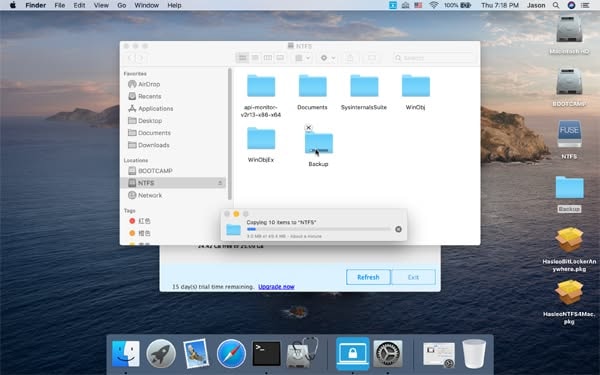
EasyUEFI is a Windows-based utility designed for EFI/UEFI boot management and repair. Positioned within the software category, it allows users to edit boot options, back up boot configurations, and restore system boot functionality.
EasyUEFI has been available since at least 2012 and claims over 15 million users worldwide. It receives reviews highlighting its intuitive interface and functional capabilities for power users and IT professionals. The software offers free versions with basic features and paid licenses for advanced use.
This product suits users who need flexible EFI boot management and recovery tools but requires some technical knowledge. Improper use can cause system boot issues. See the EasyUEFI review for a detailed evaluation including benefits and risks.
Other opinions about EasyUEFI
Opinions and insights gathered from trusted review articles and authoritative websites covering EasyUEFI.
Overview of EasyUEFI
EasyUEFI is a software developer specializing in Windows system utilities focused on EFI/UEFI boot management. The company provides tools designed to manage boot options and system recovery within the software category. It originated to address the complexities of EFI/UEFI configuration and system deployment for Windows environments.
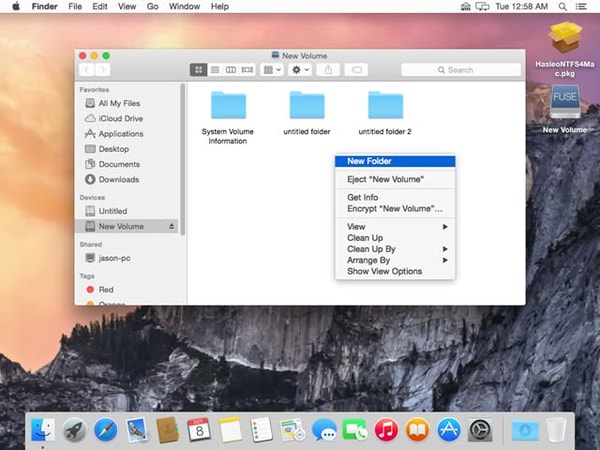
EasyUEFI operates through direct software development, offering a suite of utilities available for digital download on its official website. Its key products facilitate EFI/UEFI boot option management, portable Windows creation, backup and cloning, encryption management, and data recovery. The operational model includes development, licensing, and user support primarily targeting power users and IT professionals worldwide.
Since its establishment by at least 2012, EasyUEFI has served over 15 million users globally. Notable features include compatibility across Windows versions from 7 to 11 and Windows Server, support for ARM64 processors, delta cloning technology, and free lifetime upgrades for paid licenses. The software has been reviewed by third parties and maintains ongoing version updates alongside a 30-day refund policy under defined conditions. The presence of social media pages and a digital-only distribution model further characterize its market position.
EasyUEFI Review
EasyUEFI is a brand focused on developing specialized Windows system utilities that facilitate EFI/UEFI boot management, portable Windows creation, data backup, encryption, and recovery functions. The brand caters primarily to power users and IT professionals who need advanced tools for system control and portability. It emphasizes technical functionality and practical system solutions.
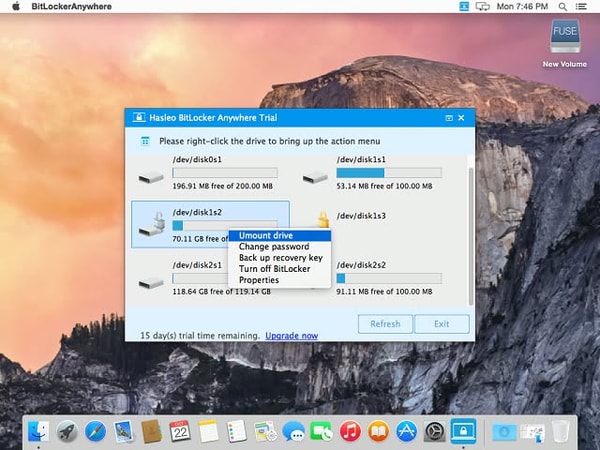
The EasyUEFI product suite includes tools such as EasyUEFI for EFI boot management, WinToUSB for creating portable Windows environments, Backup Suite for system backup and cloning, and BitLocker Anywhere for multi-platform encryption management. The brand is positioned as a provider of mid-tier specialized Windows utilities with digital distribution worldwide. It supports a range of Windows versions, including ARM64 architectures, and offers lifetime upgrades for paid licenses.
EasyUEFI Highlights- Support for multiple Windows versions
- Free versions with core features
- Delta Clone technology
- Cross-platform encryption management
- Lifetime free upgrades for paid licenses
EasyUEFI Professional Review
EasyUEFI WinToUSB is a software tool designed to create portable Windows installations on external drives using various file formats or by cloning existing Windows systems. It serves both home and professional users who need to run Windows on multiple devices. This product falls within a mid-tier performance category and supports a range of Windows editions including ARM64 systems.
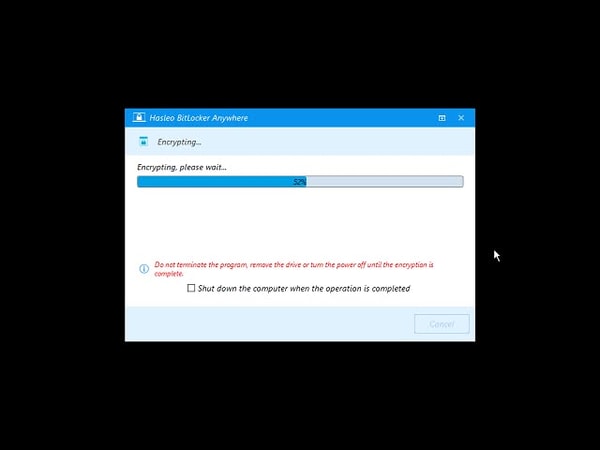
The software features delta cloning technology that enhances the speed of updating portable Windows environments. It allows users to create Windows To Go workspaces from ISO, WIM, VHD(X), and DBI files or clone current installations to USB or Thunderbolt drives. These functionalities facilitate the management and deployment of portable Windows setups efficiently.
Priced at $29.95, EasyUEFI WinToUSB is available as a digital download from the official EasyUEFI website. It offers a free version with limited capabilities alongside professional and enterprise editions for more advanced use cases. This pricing structure provides options suitable for different user needs and scenarios.
Price $29.95 • easyuefi.com
EasyUEFI Enterprise Review
EasyUEFI Enterprise is a Windows boot and USB management software package designed for business and advanced technical use, priced at $199.95. The Enterprise edition includes a site license for unlimited PCs, making it suitable for companies, IT departments, and large-scale deployment environments. The software supports creating Windows To Go workspaces from ISO, WIM, ESD, SWM, VHD, VHDX, and backup image files, alongside tools for creating Windows installation USB drives and bootable Windows PE media.
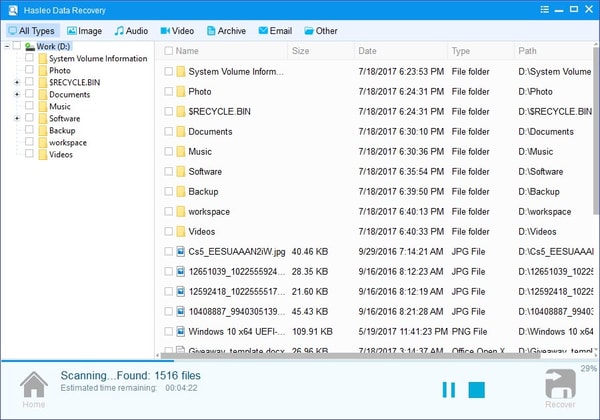
The Enterprise version also includes advanced features such as cloning an existing Windows operating system to a USB drive, updating Windows To Go environments with Delta Clone technology, and encrypting portable systems using BitLocker. Additional functions include downloading official Windows ISO files directly from Microsoft and resizing or moving partitions, providing a broad toolkit for system deployment, recovery, and portable workspace management.
Price $199.95 • easyuefi.com
EasyUEFI Pros & Cons
EasyUEFI provides a comprehensive suite of EFI/UEFI boot management tools with strong support for various Windows architectures including ARM64. Its features include Delta Clone technology for faster cloning, cross-platform BitLocker encryption management, and creation of bootable Windows PE drives, making it suitable for power users and IT professionals.
However, many advanced functions require paid licenses, and improper use of EFI/UEFI tools can lead to system boot failures. Additionally, Windows 7 support is limited and tied to slower USB 2.0 ports, and overall performance can depend heavily on the quality of USB drives used.
- • Free versions for home use
- • Support for multiple Windows architectures including ARM64
- • Delta Clone technology accelerates cloning
- • Cross-platform BitLocker encryption management
- • Creation of bootable Windows PE drives
- • Lifetime free upgrades for paid licenses
- • Comprehensive EFI/UEFI boot and BCD management
- • Most advanced features require paid licenses
- • Risk of system boot failures if EFI/UEFI tools misused
- • Limited support for Windows 7 requiring USB 2.0 ports
- • Performance depends on USB drive quality
EasyUEFI Return Policy
Refund requests are accepted within 30 days under specified conditions. There are no explicit restocking fees associated with refunds. To qualify, issues must be technical and remain unresolved after support attempts, with detailed problem descriptions required.
Refunds are denied if the customer does not cooperate or if the request is based on non-technical dissatisfaction. The 30-day refund period is strictly enforced. Cooperation with support is necessary for a refund to be considered.
EasyUEFI Digital Delivery and Access Policy
Hasleo Software products are distributed through worldwide online digital download via the official EasyUEFI website. Customers receive the software packages directly from the website with no physical shipping involved.
Delivery of software and license keys is immediate upon completing the purchase. License activation is performed by entering the provided key within the software. Delays in receiving license keys may occur due to email spam filtering, and there is no physical or retail distribution channel.
How to Contact EasyUEFI
Users can reach EasyUEFI support primarily through email and their official contact page. Social media channels are also available for updates and inquiries.
- Email: [email protected]
- Contact Page: https://www.easyuefi.com/contact.html
- Facebook: EasyUEFI
- Twitter: EasyUEFI
Support requests related to orders, licensing, technical issues, refunds, and product guidance are handled through these channels. Typical response times are within 24 hours, with no phone or live chat support offered.
Where to buy EasyUEFI?
Users can purchase EasyUEFI officially through the company’s website where the process ensures structured account management, accessible customer support, and clear policies. Buying from the official site at easyuefi.com allows users to reliably download software and obtain license keys with transparency about refund terms. While the digital platform provides consistency, users should be aware that alternative marketplaces or offline retailers may offer differing stock, pricing, or support conditions, so the official channel remains the most dependable source overall.
Conclusion of EasyUEFI reviews & ratings
EasyUEFI plays a significant role in the Windows system utilities category by simplifying complex EFI/UEFI boot management tasks. Its strengths include a user-friendly interface, broad compatibility across Windows versions, and the ability to manage boot options securely from within the OS, which you can explore further at easyuefi.com. These features make it a practical choice for users needing reliable boot configuration tools.
For those interested in a balanced overview, exploring the EasyUEFI review can provide additional insights and help readers revisit key points with confidence. It offers a clear perspective on the software’s capabilities without overstating its benefits or drawbacks.
Editorial notes reflect aggregated buyer feedback and our independent editorial review of publicly available information. They are for informational purposes only and do not constitute endorsements. Purchases are made at your own discretion, and we are not responsible for transactions or outcomes related to this store. Experiences may vary. This content is assisted by AI and reviewed by our editorial team. While we strive for accuracy, AI-supported information may not always be 100% precise, so please verify any critical details.

